

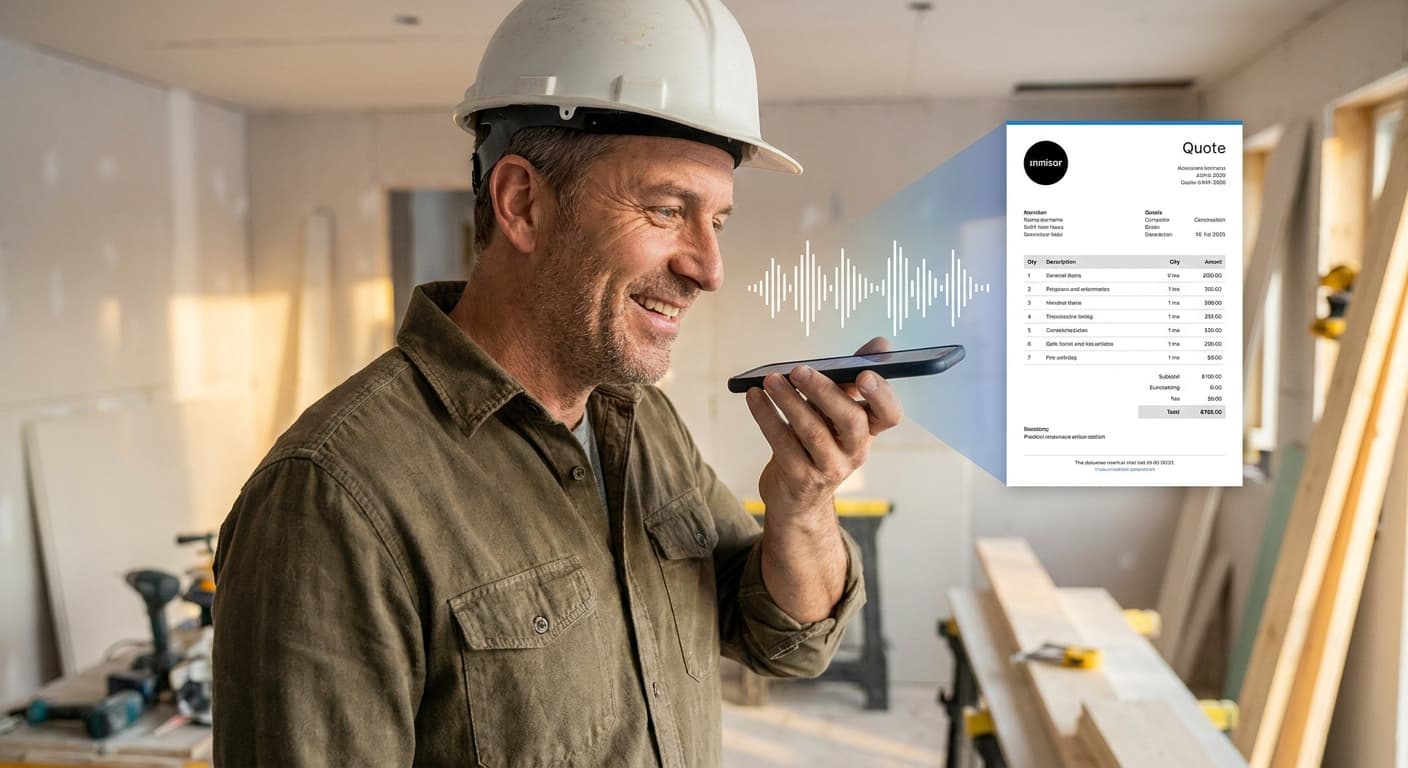
Every evening, after a day on site, there's still one or two hours of paperwork to clear: measurements, pricing, entering the quote in your software, proofreading, sending. For many contractors, this is where personal time disappears — and where quotes start to lag, sometimes enough to lose the client to a faster competitor.
Since 2024, a new generation of AI tools makes it possible to dictate a quote by voice and receive a polished, priced PDF a few minutes later, ready to send. This guide covers how the approach works, where it actually moves the needle, and what to look for when choosing a tool.
Why voice-based quoting changes the math
Typing a quote manually chains several low-value tasks: find the client record, enter their details, dig up unit prices, calculate sub-totals, format the document. Each step is a micro-friction that stretches the total time far beyond the actual thinking time.
Voice short-circuits that loop: you describe what you saw on site in your trade's own language — "bathroom reno 6 sqm, strip old tiling, new 60x60 porcelain tiles, ceiling paint" — and the AI handles the rest. No forms, no dropdowns, no context switches.
The three steps of an AI voice quote
You dictate what you measured
On site, in the car or between appointments, you open the app, tap the mic and speak naturally. A good AI understands trade shorthand (lm for linear meter, sqm for area, TS for additional work) and carries context from one sentence to the next.
The AI structures, prices and formats
The engine identifies the client, creates or links the property, breaks the project into line items, applies your unit prices (from your library or a construction database) and computes net, VAT, gross. The PDF is rendered with your brand: logo, colors, legal mentions, terms.
You review, adjust, send
Nothing goes out without your validation. Review the lines, tweak a price if needed, add an option, then send by email or WhatsApp in one click. The client receives it and can sign online.
What separates a real AI tool from a "voice dictation" gimmick
Not all "AI quotes" are created equal. Several tools offer basic voice dictation followed by a manual form to complete. Others go further and generate the structured quote directly.
| Criterion | Basic tool | Full AI tool |
|---|---|---|
| Voice recognition | Generic (Siri-like) | Trained on construction vocabulary |
| Client creation | Manual | Automatic from dictation |
| Line pricing | You re-enter prices | Pulled from your works library |
| Final output | Draft to edit | PDF ready to send |
| Total time | 30–45 min | 3–8 min |
Common objections (and how to answer them)
"The AI will get the prices wrong"
Legitimate first reflex. The fix: the tool must pull prices from your own works library, not a generic database. You keep control of your margin. And nothing is sent without your proofread.
"I don't want to talk to my phone in public"
You don't have to. Voice is a shortcut, not an obligation. Good tools let you fall back to keyboard at any moment. Voice shines mainly between appointments, in the car, or at home in the evening.
"My team isn't comfortable with tech"
Voice is actually the most universal interface there is. A contractor who never liked quoting software finds themselves dictating as they would to a colleague. The learning curve is measured in minutes, not days.
A concrete example: "New client Martin, 6 sqm bathroom"
Take a real case. You've just left a new client's appointment. In the car, you open the app, tap the mic:
"New client Martin in Lyon, bathroom renovation 6 sqm, strip existing tiling, install 60x60 porcelain, matte white ceiling paint, rubble removal. Works scheduled June, target budget €4,500 net."
In under 30 seconds of dictation, the AI has enough to:
- Create Martin's client record with address
- Create the property (apartment / 6 sqm bathroom)
- Generate 4 quote lines with your library prices
- Apply the correct VAT rate
- Produce a PDF in your brand, ready to send
What used to take 45 minutes in the evening takes under 5 minutes in the car.
How to get started
Prepare your works library
Before going voice-first, list your 20–30 most frequent works with up-to-date prices. This reference is what makes automatic pricing reliable.
Start with 2–3 simple quotes
Pick routine jobs (bathroom, kitchen, facade) and dictate them to get the feel. Don't start with your most complex quote.
Measure time saved over a week
Compare quoting time before/after. Most contractors drop from 8–12 hrs/week to 2–3 hrs/week on the admin side of quoting.
Bake dictation into your process
Once comfortable, integrate dictation into your routine: after every client meeting, before starting the car. The quote goes out the same day, not three days later.
Frequently asked questions
Yes for most current AI tools, since processing happens server-side. Some apps buffer the dictation locally when signal is poor and sync once you're reconnected, so you can dictate on a low-coverage site without losing your work.
In most cases, it replaces it entirely: the AI voice quote generates the client, lines, pricing and PDF. You no longer need parallel manual entry.
Verify the vendor is hosted in Europe, GDPR-compliant, and doesn't use your data to train their models. European hosting with encryption at rest and in transit is the baseline to require.
A good tool automatically includes the mandatory legal mentions (dates, VAT, payment terms, validity period, insurance mention). Always review the first generation to verify your configuration is correct.
After 3 to 5 dictated quotes, most users are autonomous. The main skill is structuring your dictation (client → property → lines → terms) as you would structure a clear sentence to a colleague.
Bottom line
AI voice quoting isn't a gimmick: it's the first real break on construction paperwork since the shift from paper to digital. For a contractor doing 5 to 15 quotes a week, the gain is measured in hours recovered every week — and in higher signature rates because the quote goes out today rather than next week.
If you want to try the approach, Pylône offers an AI voice assistant built specifically for construction contractors, with works library, PDF generation and one-click sending.